-
- Mice
-
 Gaming Mice
-
 Xraypad Skates
-
 Grip Tapes
-
 Mouse Switches
-
- Mousepads
-
 Mousepads
-
 Deskmats
-
 Glasspad
-
- Headphones View all
-
 Wireless Gaming Headset
-
- Controllers View all
-
 Gaming Controllers
-

Artisan Mousepads Explained: Which Pad Should You Actually Buy?
Artisan mousepads have become the benchmark every other gaming pad gets compared to but choosing the right one can feel overwhelming. This guide breaks down every Artisan surface, from the control-focused Type 99 to the ultra-fast Raiden and legendary Shidenkai, alongside the real differences between XSoft, Soft, and Mid variants. Whether you play CS2, Valorant, Apex, Overwatch, or fast-paced tracking shooters, this guide explains which pad fits your aiming style, friction preference, and game genre.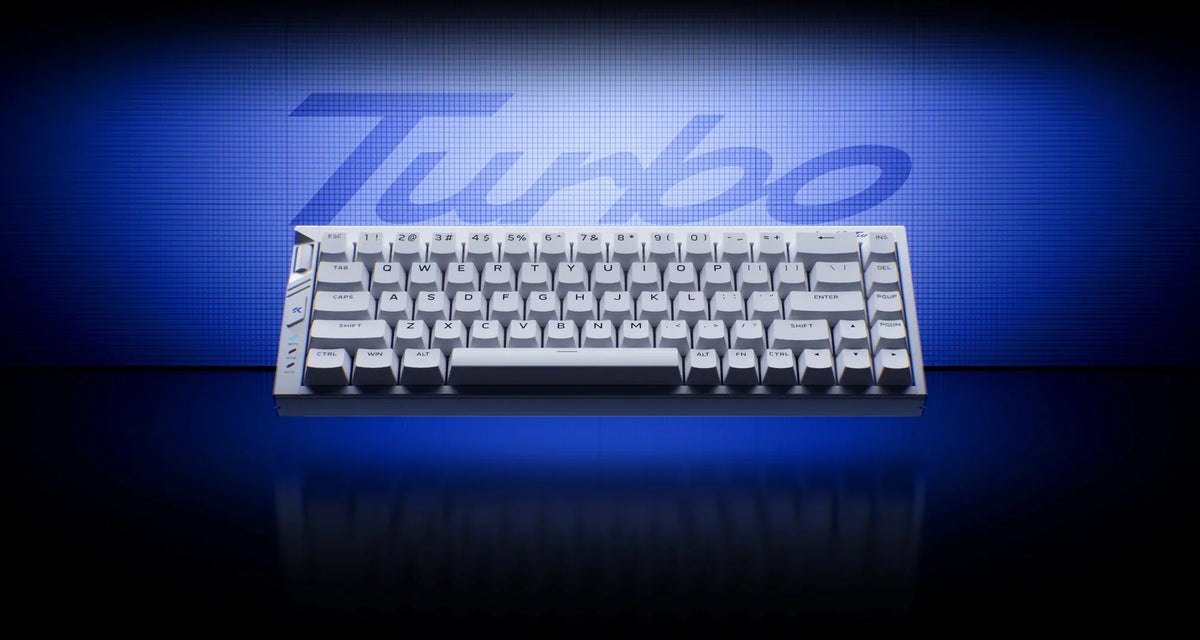
Why Gamers Are Obsessed with Hall Effect Keyboards
Hall Effect keyboards use magnetic sensors instead of physical contacts to detect key presses, enabling analog input, adjustable actuation points, rapid trigger, and customizable response curves. By measuring key position continuously, these keyboards deliver faster response times and advanced customization compared to traditional mechanical keyboards. Popular among gamers and enthusiasts, Hall Effect keyboards represent a new approach to precision input, blending magnetic sensing technology with modern keyboard design.


Your cart
Your cart is empty
GenesisPC – Shipping & Unboxing Video Policy
Shipping and logistics operations involve third-party courier handling, regional transit transfers, and variable handling conditions. To protect both customers and GenesisPC against transit theft, handling damage, or packaging errors, an authentic, continuous unboxing video is mandatory for all delivered orders.
Why Is the Unboxing Video Mandatory?
- Courier Claim Requirements: Third-party logistics and insurance providers require conclusive, tamper-free video proof to accept liability for transit damage, tampering, or missing contents.
- Objective Proof: An unedited unboxing video establishes the parcel's condition at the point of receipt and validates the exact contents received.
- Fast-Track Resolution: Verifiable video footage eliminates disputes, enabling our team to swiftly process replacements or insurance claims without operational delays.
1. Inspection Before Accepting Delivery
- Inspect the outer carton in the presence of the courier delivery personnel before signing or sharing the delivery OTP.
- Ensure that the outer cardboard box and security tape are fully intact and show no signs of slitting, punctures, resealing, or water damage.
- Severe Tampering or Open Delivery: If the package is visibly torn, open, or crushed, refuse the delivery immediately. Take clear photos of the parcel while in the courier agent's possession, request the agent to mark "Damaged Package" on their handheld device, and notify us at service@genesispc.in within 24 hours.
2. Recording the Unboxing Video
Position your camera on a stable surface in a well-lit area. The recording must strictly comply with the following parameters:
- Single Continuous Take: The video must be completely uncut, unedited, and recorded in a single continuous take from start to finish without pauses, frame skips, or speed manipulation.
- High Resolution: Record in clear focus (minimum 720p/1080p) so that tracking barcodes, text, and physical details are easily readable.
- Keep in Frame: The parcel, packaging materials, and product must remain entirely inside the camera frame throughout the entire recording. Taking the package off-camera will invalidate the footage.
Mandatory Recording Checklist
- Shipping Label Close-Up: Display a clear, readable close-up of the shipping label showing your name, order details, and the AWB tracking barcode.
- 360-Degree Box Check: Rotate the sealed parcel to show all 6 sides and all seams to prove the package is unbreached.
- Opening Process: Cut open the tape and open the outer box live on camera.
- Manufacturer Box Inspection: Show the condition of the retail product box and verify that factory tamper seals are intact.
- Product & Accessory Verification: Unbox the product, inspect for external defects, and verify that all bundled cables, pullers, extra switches, and manuals are accounted for.
3. Procedure in Case of Discrepancies
Transit Damaged Goods:
Show the damage clearly on both the outer carton and the internal product casing on camera. Complement the video with clear, high-resolution still photos of the damage.
Wrong Product Delivered:
- Display the model name, SKU, and barcode on the retail box label clearly to the camera.
- Do not break the manufacturer's retail seal. The product must remain sealed and unused.
- As outlined in Section B of our Return Policy, opening, unsealing, or using an incorrect product will result in an automatic 30% restocking fee deduction from any eligible settlement.
Missing Components or Empty Boxes:
Show the internal compartments, packaging trays, and the empty outer box clearly on camera to verify that the item was omitted from the consignment.
Important Notes & Submission Rules
- Strict 48-Hour Deadline: Claims accompanied by your unboxing video must be submitted within 48 hours of delivery. Inquiries received beyond 48 hours cannot be processed under our transit insurance guidelines.
- Inadmissible Proof: Videos that begin after the package has already been slit or unsealed, footage with edits or missing frames, blurry recordings with illegible labels, or videos where the parcel moves out of view will lead to immediate claim denial.
- How to Share Video Files: Due to email inbox attachment limits, upload your video to Google Drive (set access to "Anyone with the link can view") or upload as an Unlisted video on YouTube, and email the accessible link to our support desk.
Customer Support Desk
To submit your unboxing footage or report a delivery issue, contact us directly:
- Email: service@genesispc.in
- Phone: +91 9429693444 (Monday through Saturday, 11:00 AM – 7:00 PM IST)
- Choosing a selection results in a full page refresh.
- Opens in a new window.